

Follow the stream. Forget the miles.
Turn your travel photos into a film of your journey.
Coming soon for Mac
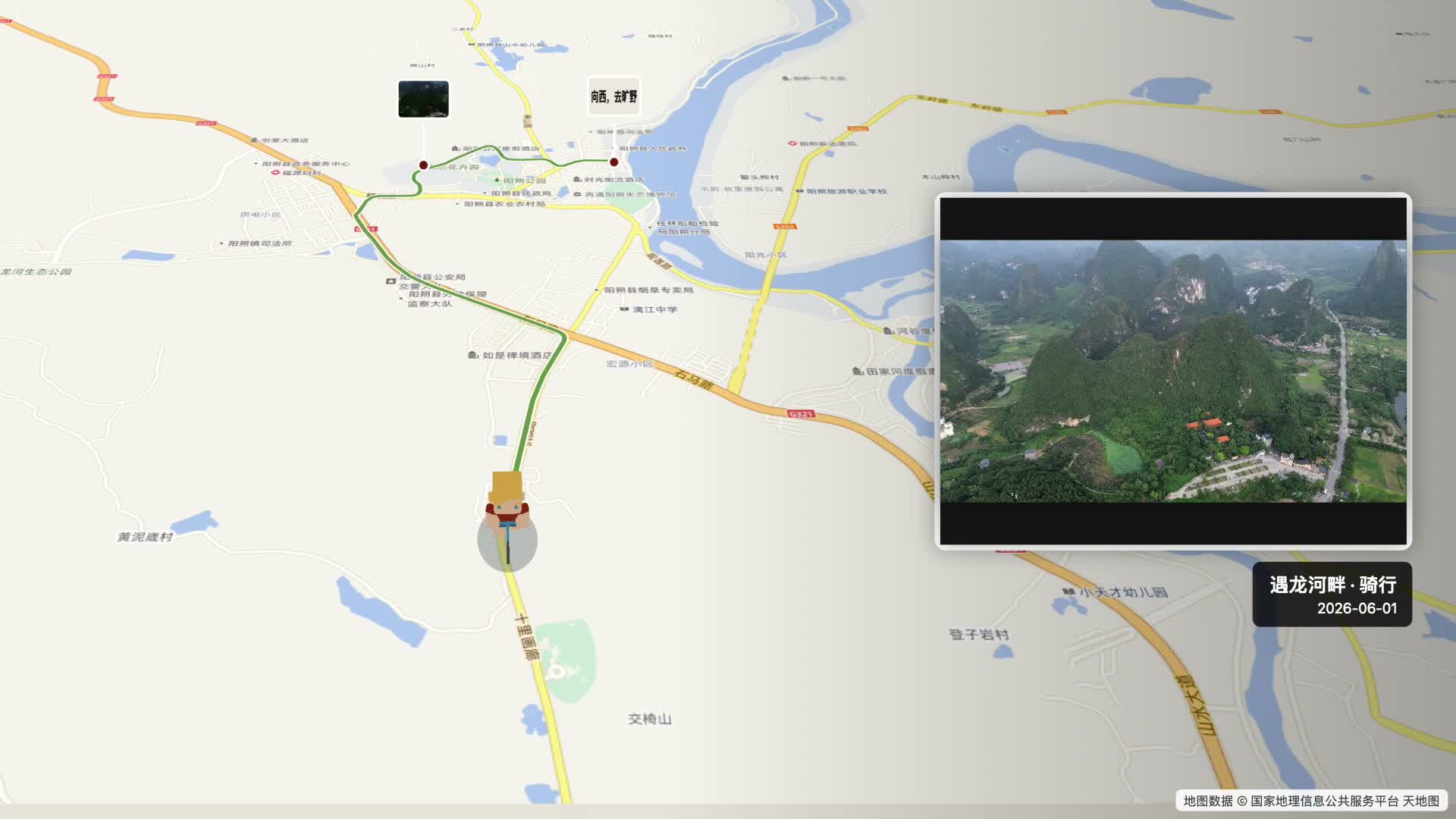
Import
Start with photos. Find your way back.
Yonder reads the dates and locations in your photos and uses map services to connect the stops. Add notes to your photos: who came along, and why you stopped there.
Missing or inaccurate locations? You can add or correct them yourself.
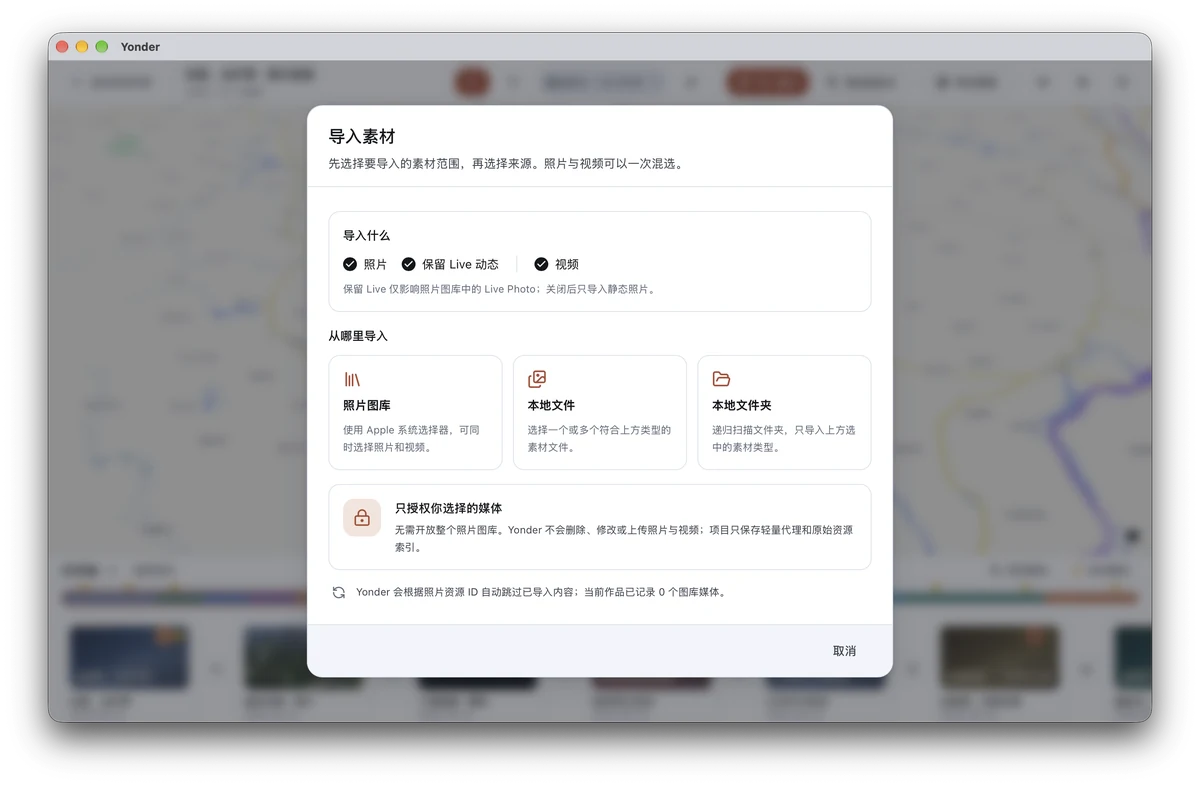
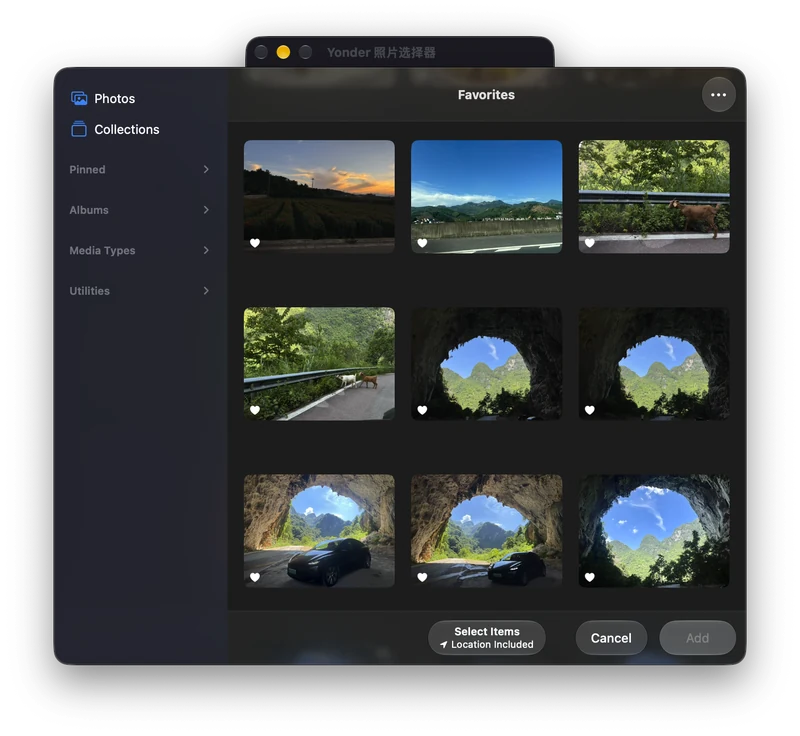
Choose what to share with Yonder. Keep the rest of your library private.
Privacy
Your photos stay with you.
Photo processing and video creation happen on your Mac, without uploading your photos to the cloud. Maps, place names and route planning need an internet connection and send location queries to map services.
Privacy detailsOn your Mac
- Photo processing
- Photo selection
- Video creation
No cloud photo processing
Online map services
- Map display
- Place searches
- Route planning
Relevant location queries are sent to the map service.
Route animation
Watch your journey unfold.
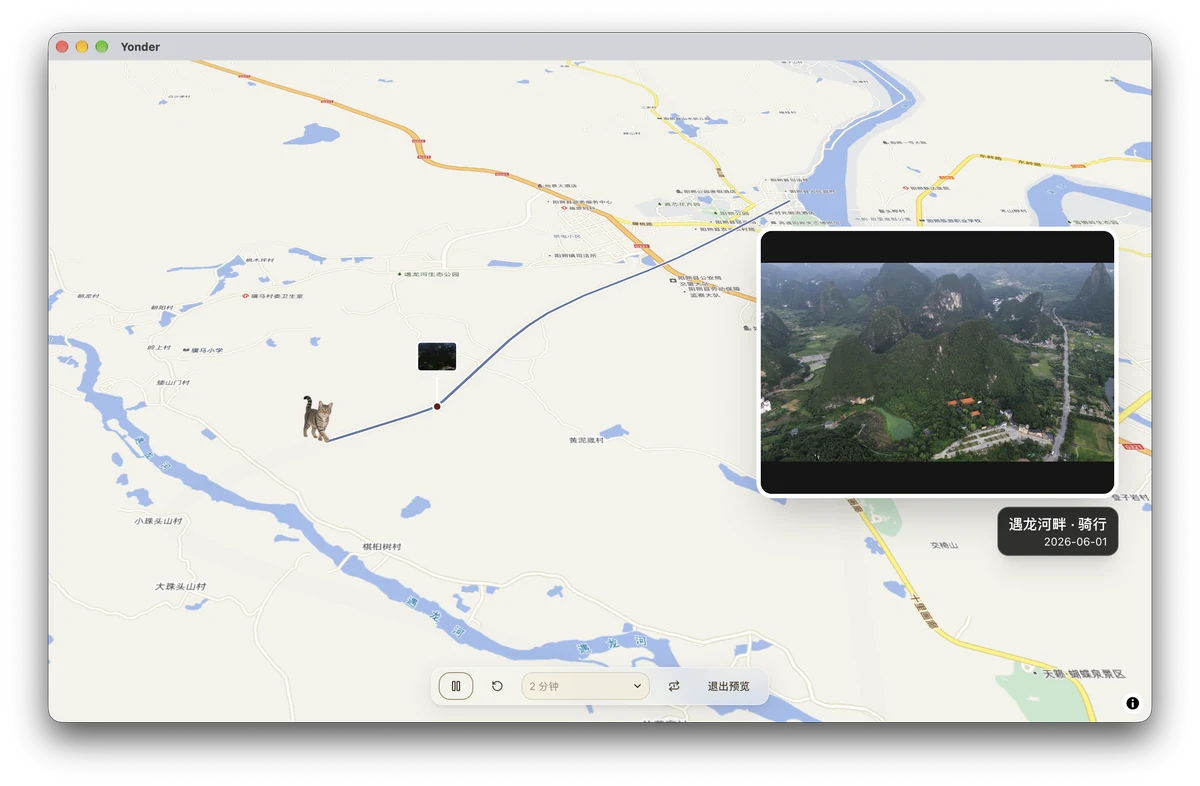
Retrace the journey through cities, mountains and coastlines, with photos appearing along the route.Relive the journey, one stop at a time.
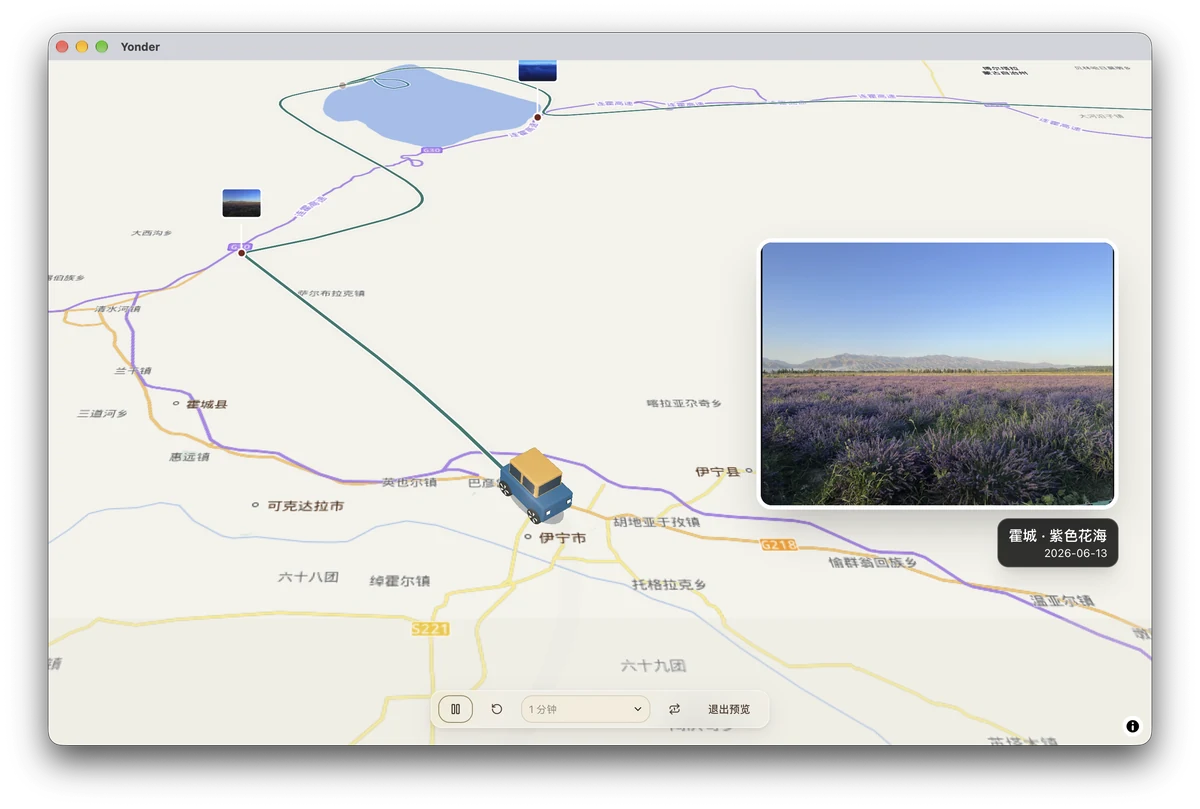
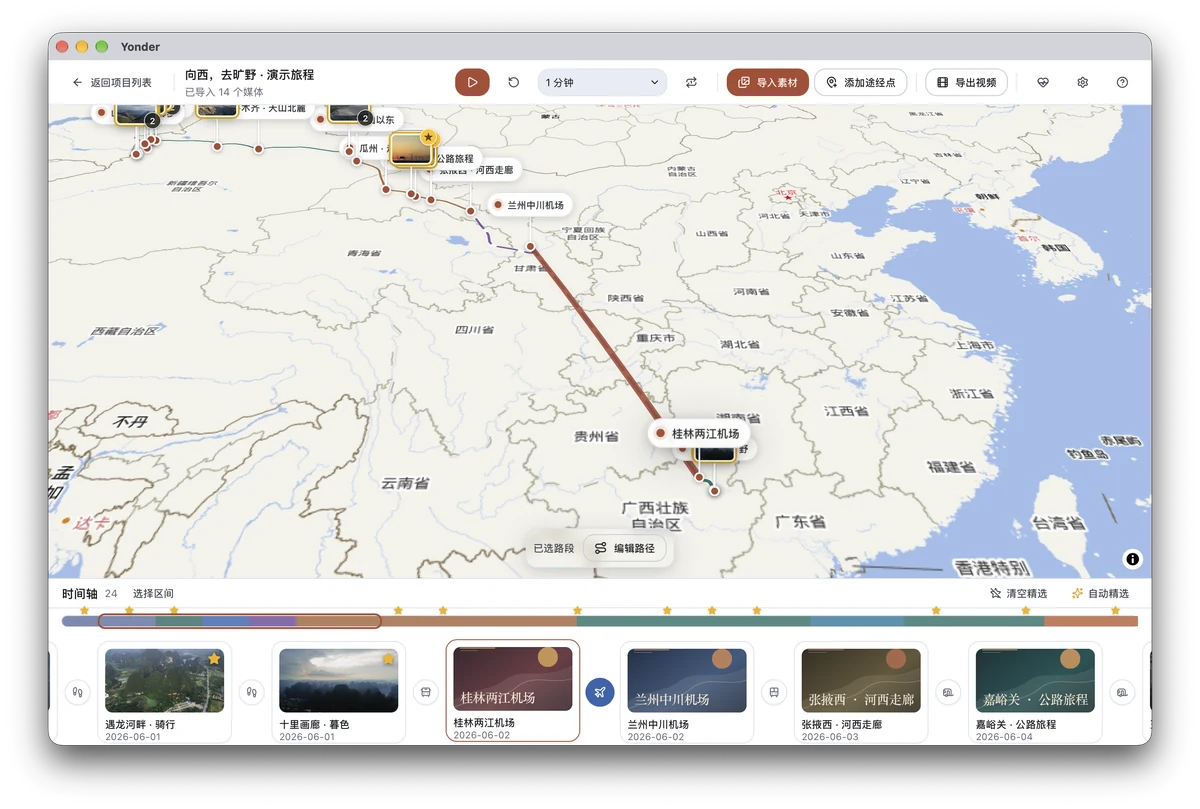
Every leg has its own story.
Choose how you travel and plan the route for each leg of the journey.
Familiar faces
Bring familiar faces along.
Add a PNG of yourself, your family or your pet, and let a familiar face travel along the route.
Use a PNG image; a transparent background works best. This demo uses a cat.
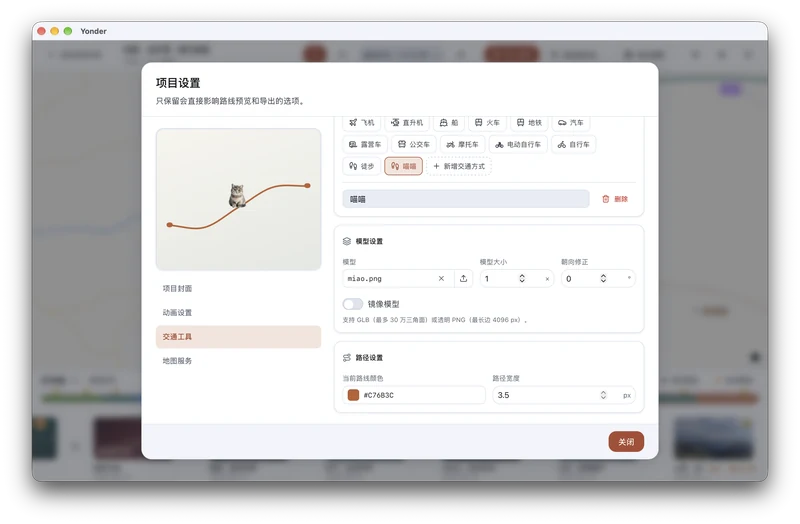
Add your PNG, then choose its size and route color
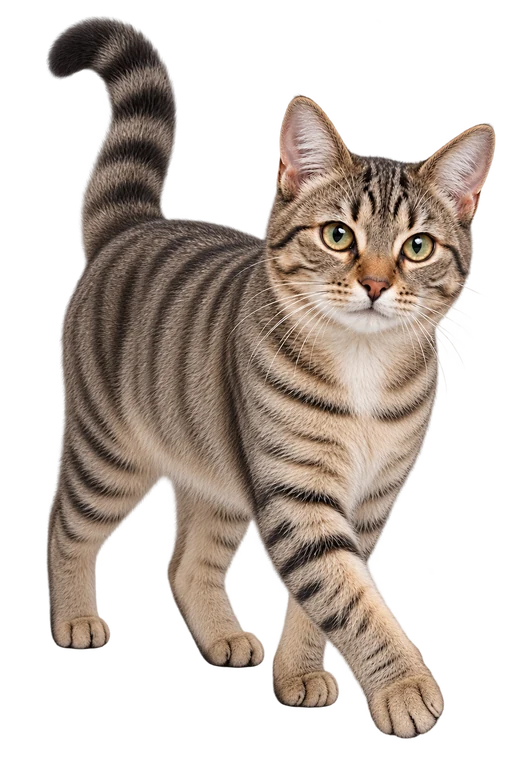
The PNG you import
Photo selection
A little help choosing.
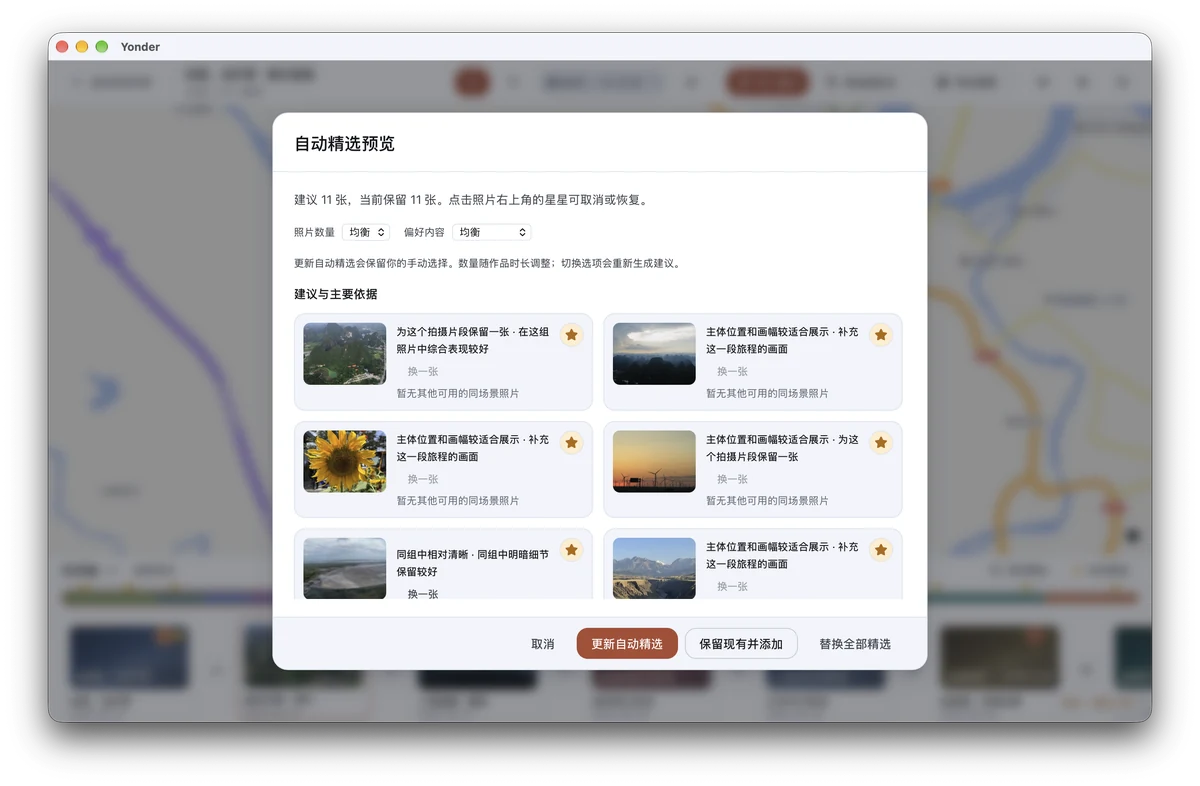
Yonder analyzes your photos on your Mac to suggest a first selection. Add your favorites or remove suggestions. You decide which photos make the film.
Video export
Keep the journey. Share the memories.
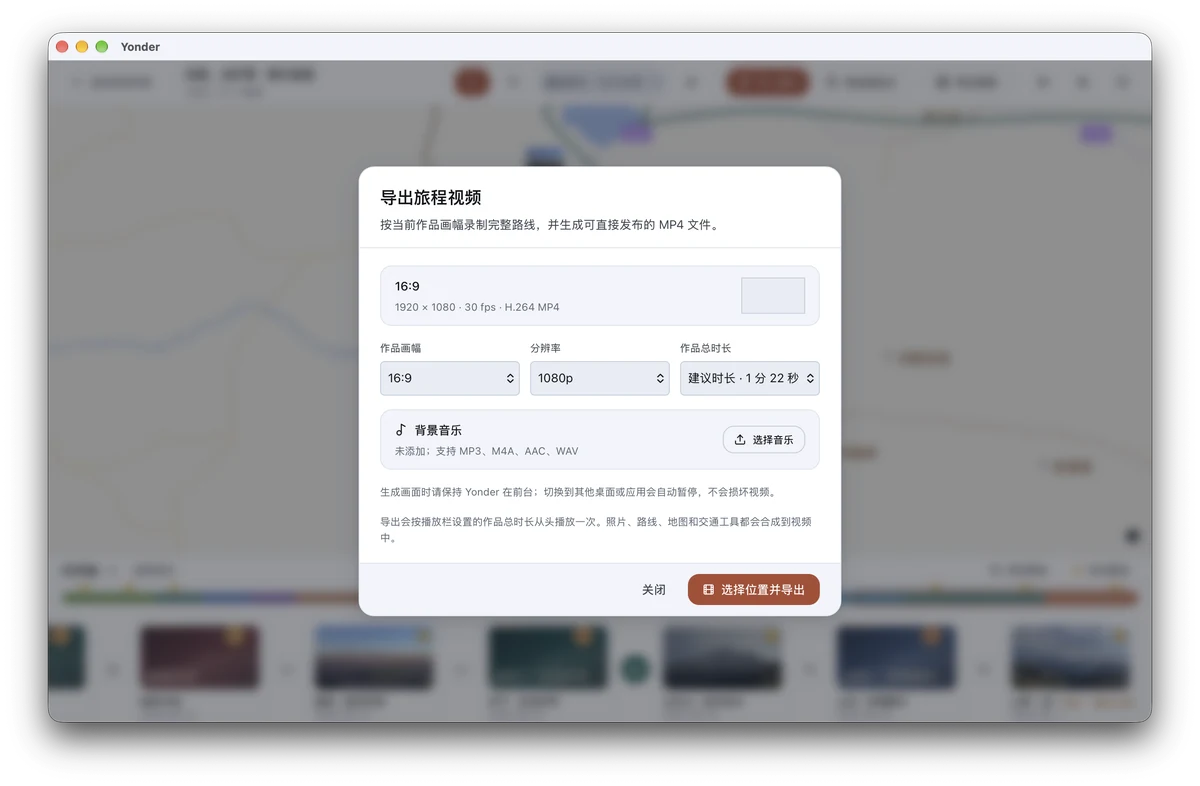
Save an MP4 to watch whenever you like, or share it with the people who came along.

Want to take Yonder along?
Yonder isn’t available to download yet. “I’m interested” records your interest. You can optionally leave an email address for a notification when it is ready to try.
Coming soon for Mac
Thanks for your interest.
Yonder is not ready to try yet. Would you like an email when it opens? Leaving an email is optional.
You’re on the list.
Your email has been saved for an availability notification. No email has been sent now.